Loyverse is an all-in-one point of sale (POS) and business management solution that makes managing your business a breeze. When you connect your GonnaOrder store with Loyverse, all incoming orders are automatically sent to your POS. This ensures a smooth operation and better online order management, directly from your POS. Even better, this integration supports catalog synchronization, promoting faster onboarding.
| Website | https://loyverse.com |
| Company Logo |  |
On This Page
- Getting Started with Loyverse Integration
- How to Connect Your Store with Loyverse
- Synchronize Your Catalog with Loyverse
- View Orders on Your POS
- Disconnect Loyverse POS from Your Store
Getting Started with Loyverse Integration
Before connecting your GonnaOrder store with Loyverse POS, you must obtain the required integration details, that is:
- Loyverse token
- Loyverse store id
These integration details are provided by Loyverse. Please contact Loyverse to obtain your store’s integration details.
How to Connect Your Store with Loyverse
To link your online store with Loyverse POS, follow these steps:
- Go to your store Settings > Integrations.
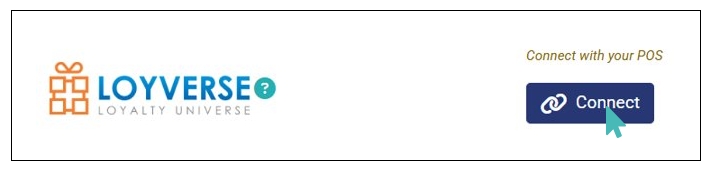
- Find the Loyverse integration section and click Connect.
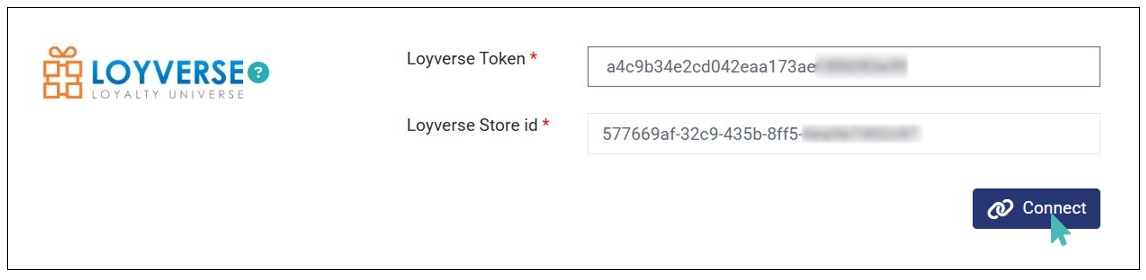
- Enter the integration details (Loyverse Token and Loyverse Store id) provided by Loyverse and click Connect.
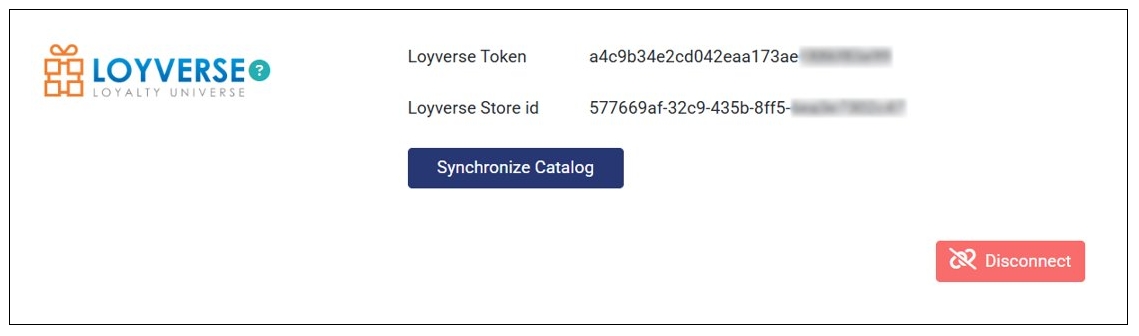
- Once the connection is successful, the integration is active, and all incoming orders are sent to your POS.
Synchronize Your Catalog with Loyverse POS
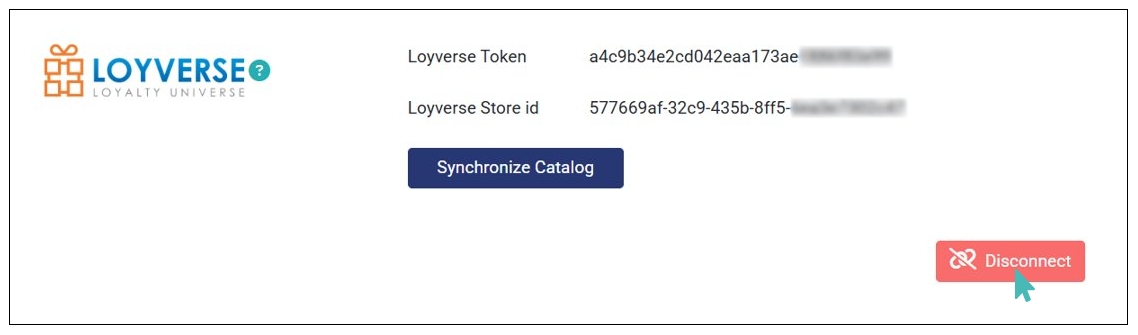
Upon a successful integration with Loyverse, an additional Synchronize Catalog button appears. Simply click the button to initiate the catalog synchronization process.
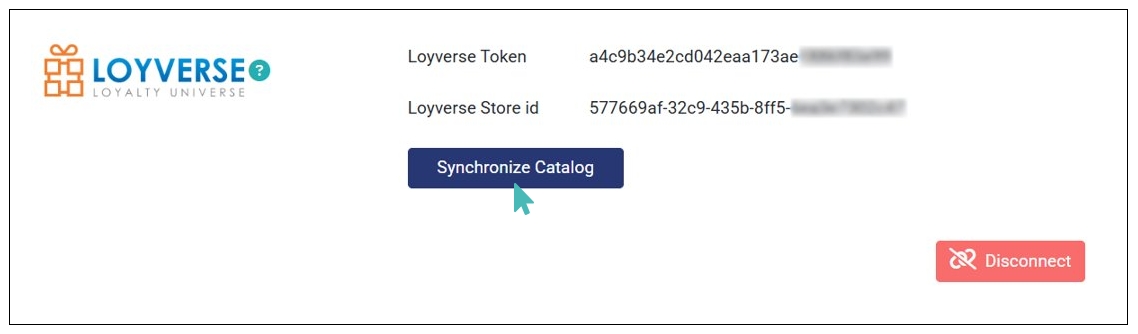
You can use the Synchronize Catalog feature for two purposes, that is:
- Import catalog. If you have a catalog on you POS, you can import it entirely to your online store. This option imports all catalog items, options, variants, categories, and prices. Simply put, it creates a replica of your POS catalog on your online store.
- Fetch catalog updates. If you have an existing catalog in your online store, you can use the synchronize catalog option to fetch catalog updates from your POS. Here are the updates that will be made on your existing catalog:
- New items. Items absent in your online catalog but present in your POS.
- Price updates on existing products. New item, option, & variant prices from your POS.
View Orders on Your POS
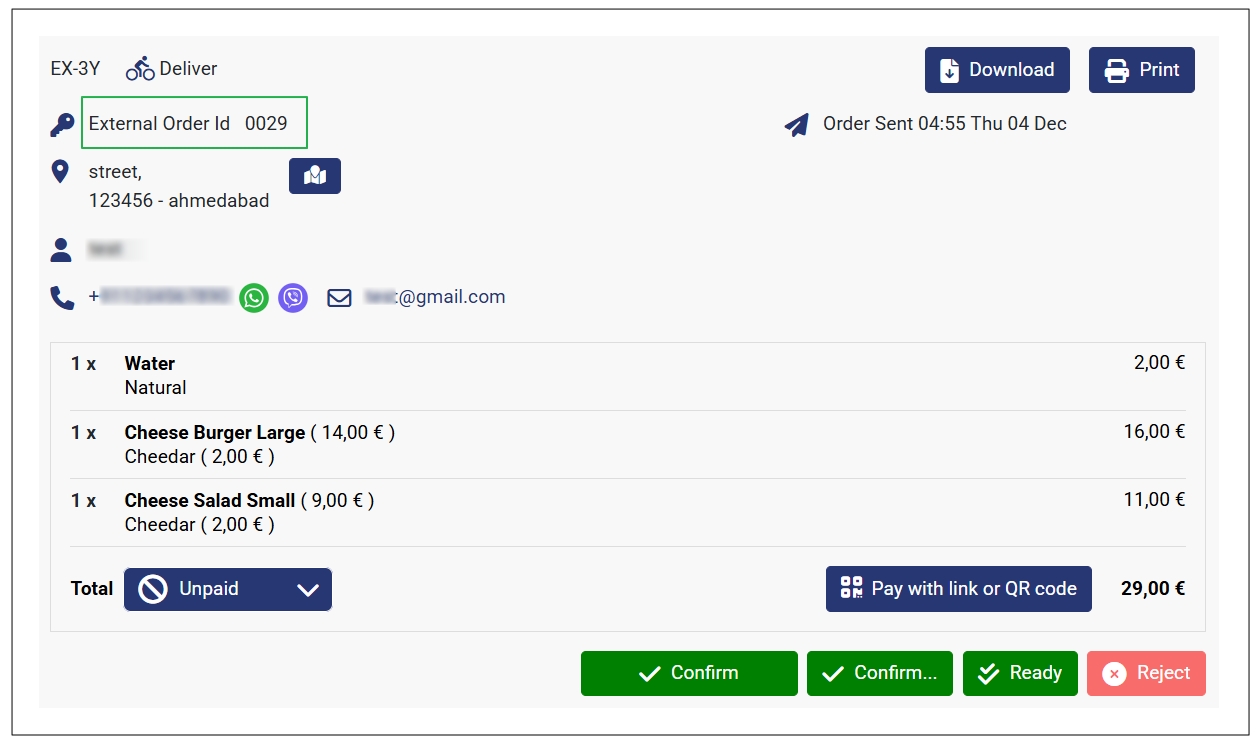
Once connected to Loyverse, you can view all incoming orders on your POS. This includes all details about the order, such as the order id, items, options & variants, and prices. Also, you can see the order timelines e.g., order sent time.
Incoming customer orders will have an external ID associated with them on the POS.
Disconnect Loyverse POS from Your Store
If you no longer want to send orders to your Loyverse POS, you can disconnect it from your store. Simply click Disconnect on the Loyverse integration section. Note that your Loyverse integration details will be removed from the store.