Cardlink is one of the biggest payment networks in Greece, offering ecommerce payment gateways and other advanced business tools. It provides secure online transaction management for thousands of businesses, facilitating hassle-free payments. Connecting your store with Cardlink ensures you provide a fast and secure online payment experience for your customers.
| Website | https://cardlink.gr/ |
| Supported Payment methods | Credit and debit cards |
| Available countries | Greece |
| Payment provider logo |  |
On This Page
- Connect Your Store with Cardlink
- Receive Payments Via Cardlink Payment Page
- Deactivate or Disconnect Cardlink from Your Store
Connect Your Store with Cardlink
To start receiving payments via Cardlink’s hosted payment page, you must connect your store with the provider. Also, you need to set email as mandatory for customers. Here are the steps to follow to connect your store with Cardlink:
- Login to your store and click Settings on the side menu.
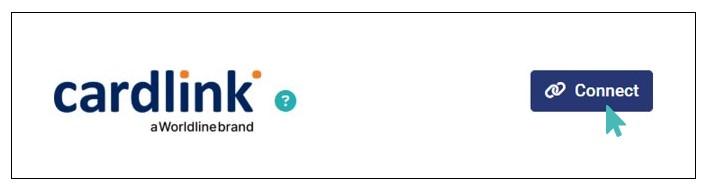
- Next, click the Payments settings tab and find the Cardlink payment logo.
- Click the Connect to initiate the process of connecting your store with Cardlink.
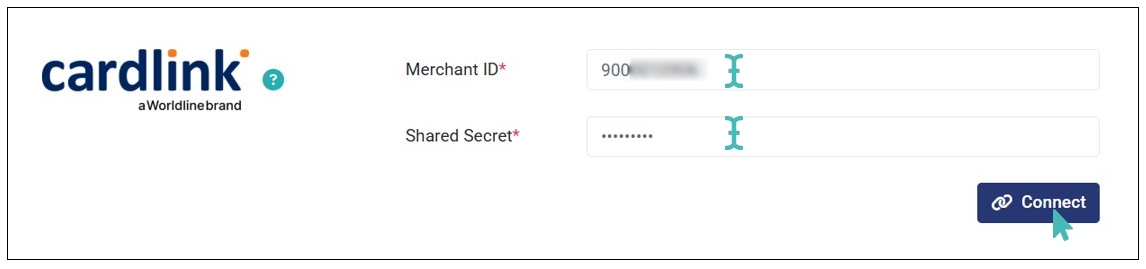
- Enter the required integration details (i.e., Merchant ID and Shared Secret) and click Connect. These integration are provided by Cardlink. Contact the Cardlink support team to obtain your integration details.
- Upon clicking Connect, the store is successfully connected to Cardlink. Therefore, you can start receiving online card payments via a secure Cardlink hosted payment page.

Note
When you connect your store with Cardlink, you must set email as a mandatory field for all delivery modes.
Receive Payments Via Cardlink Payment Page
Once connected to Cardlink, your customers are redirected to a secure payment page when they proceed to pay their order online. On this page, they can input their card details to complete the payment.
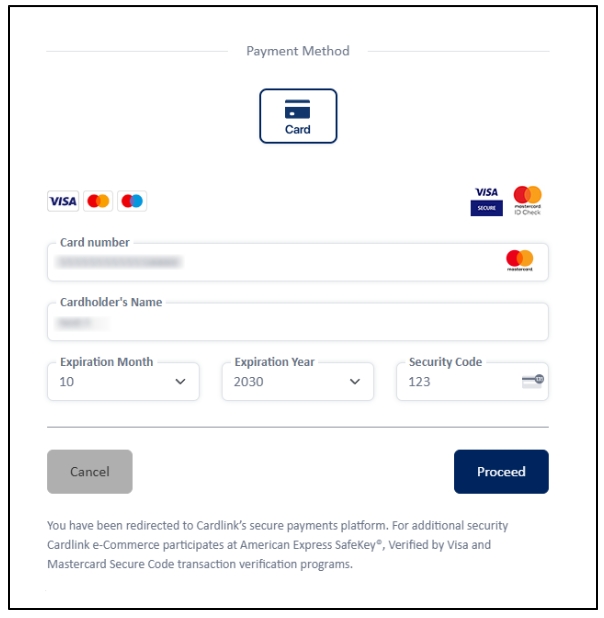
Upon a successful payment, the customer is redirected to the order thank you page, and the order is marked as paid on the orders dashboard.
Deactivate or Disconnect Cardlink from Your Store
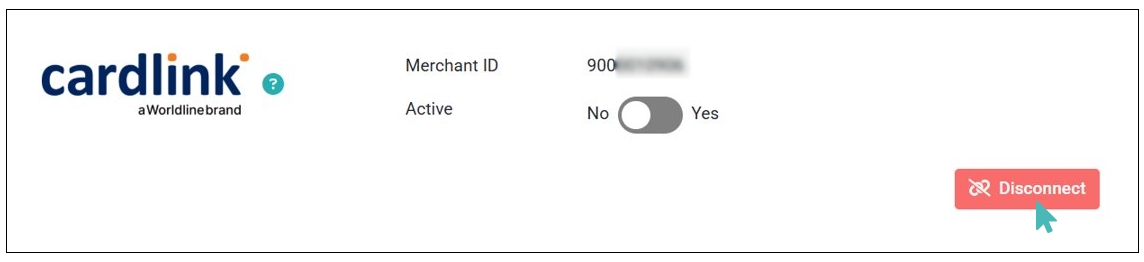
If you no longer want to receive payments via Cardlink, you can deactivate the connection or disconnect it from your store. Deactivating Cardlink means the integration details remain in your store but the connection is inactive. Simply toggle the Active button on the Cardlink integration section to No to deactivate Cardlink Payments.
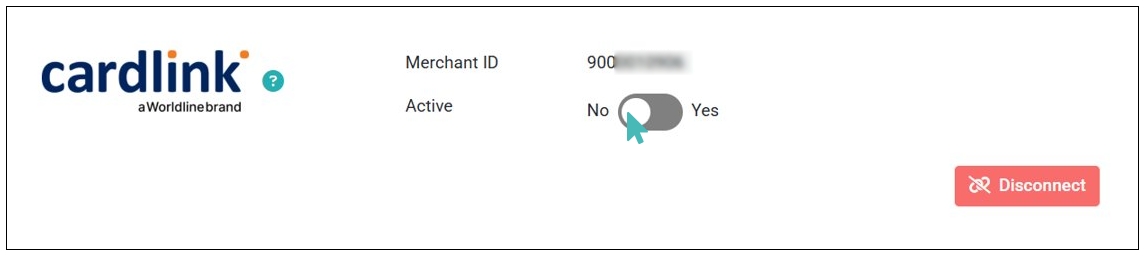
On the other hand, if you want to stop receiving payments via Cardlink and remove the integration details from your store, click the Disconnect button.