

Shorter queues

Bigger orders with upselling

Fewer order mistakes

Available in all languages and
currencies of the world!

Languages

Why choose a self-ordering kiosk?

Shorter queues, bigger orders and a team that can focus on preparing food.

Image

Run Your Business Better, Smarter and Faster

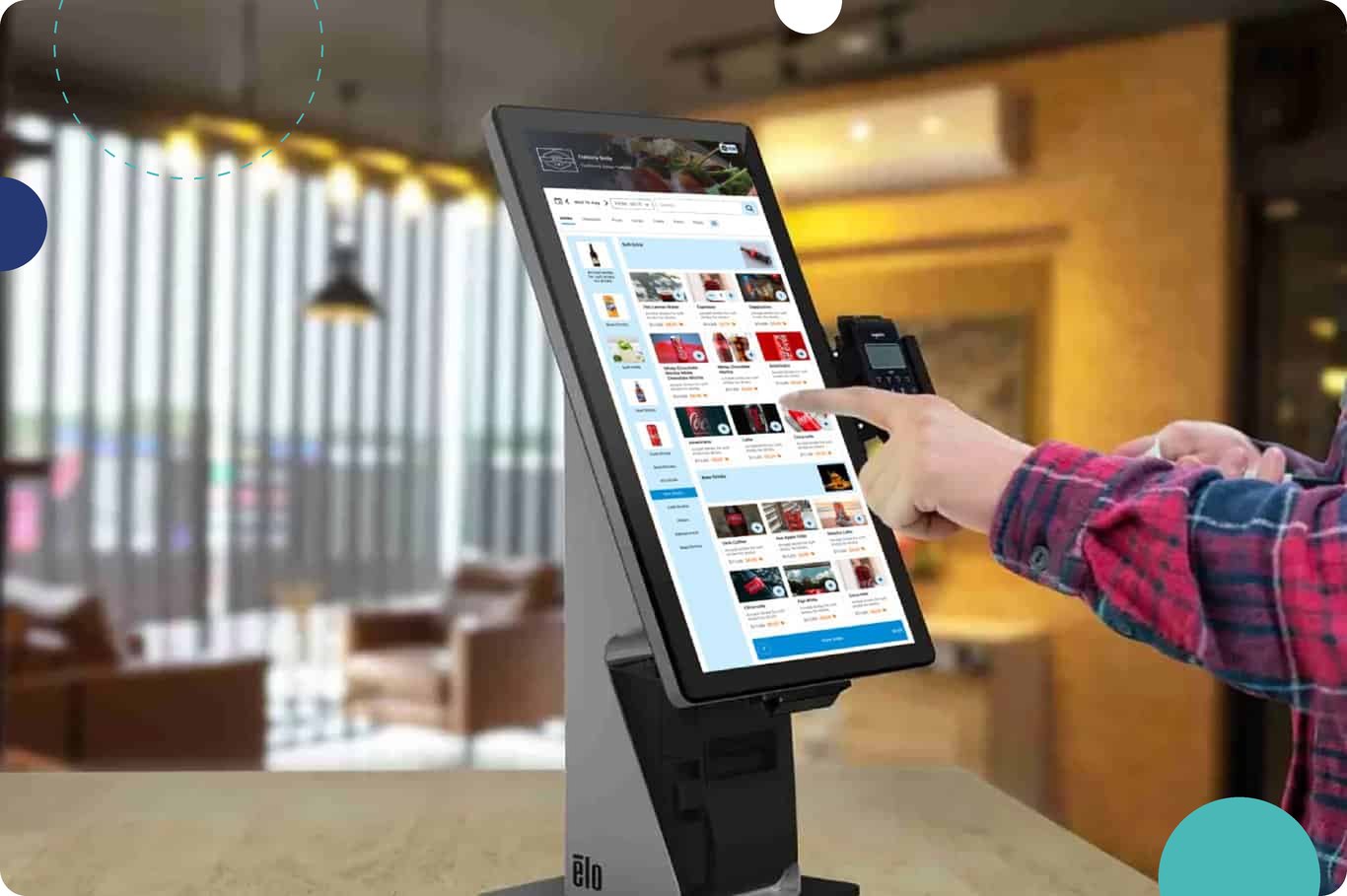
Remove the queue and give customers a smooth ordering experience. Tailor your kiosk menu to your business and update items, prices and promotions in a few clicks.

Book a Demo

Image

Upsell More With Every Order

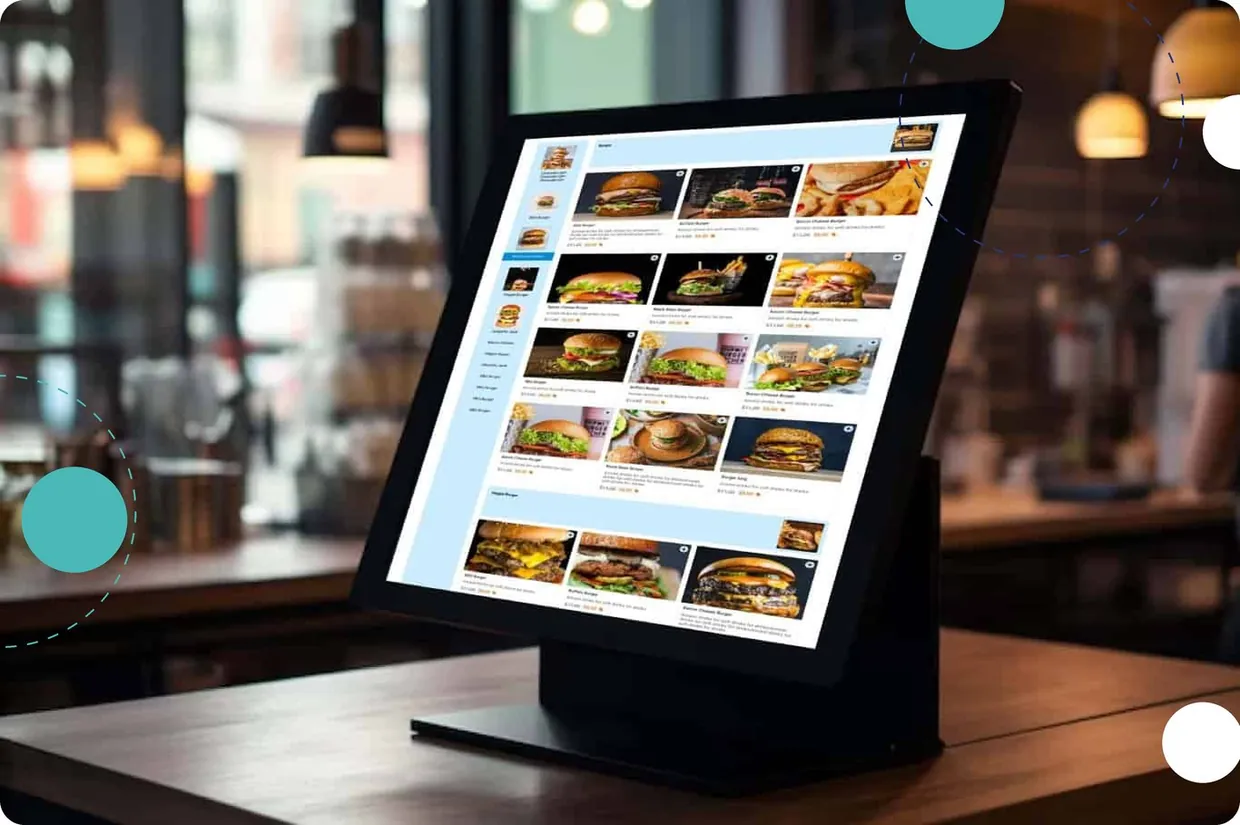
Recommend sides, drinks and desserts at the right moment. Unlike a busy cashier, the kiosk never forgets to suggest them, and shows customers exactly what they would get.

Book a Demo

Image

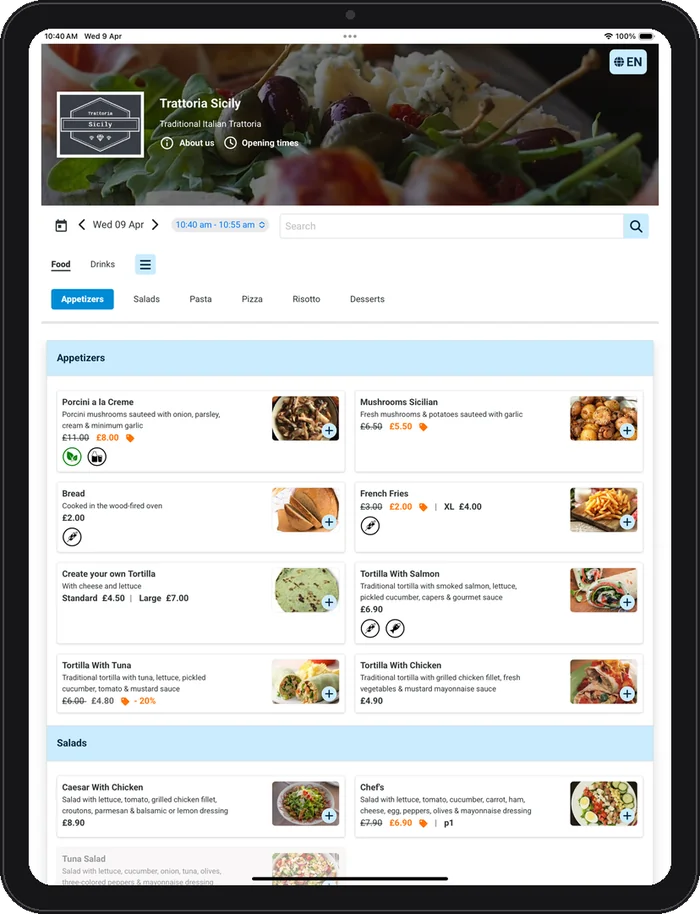
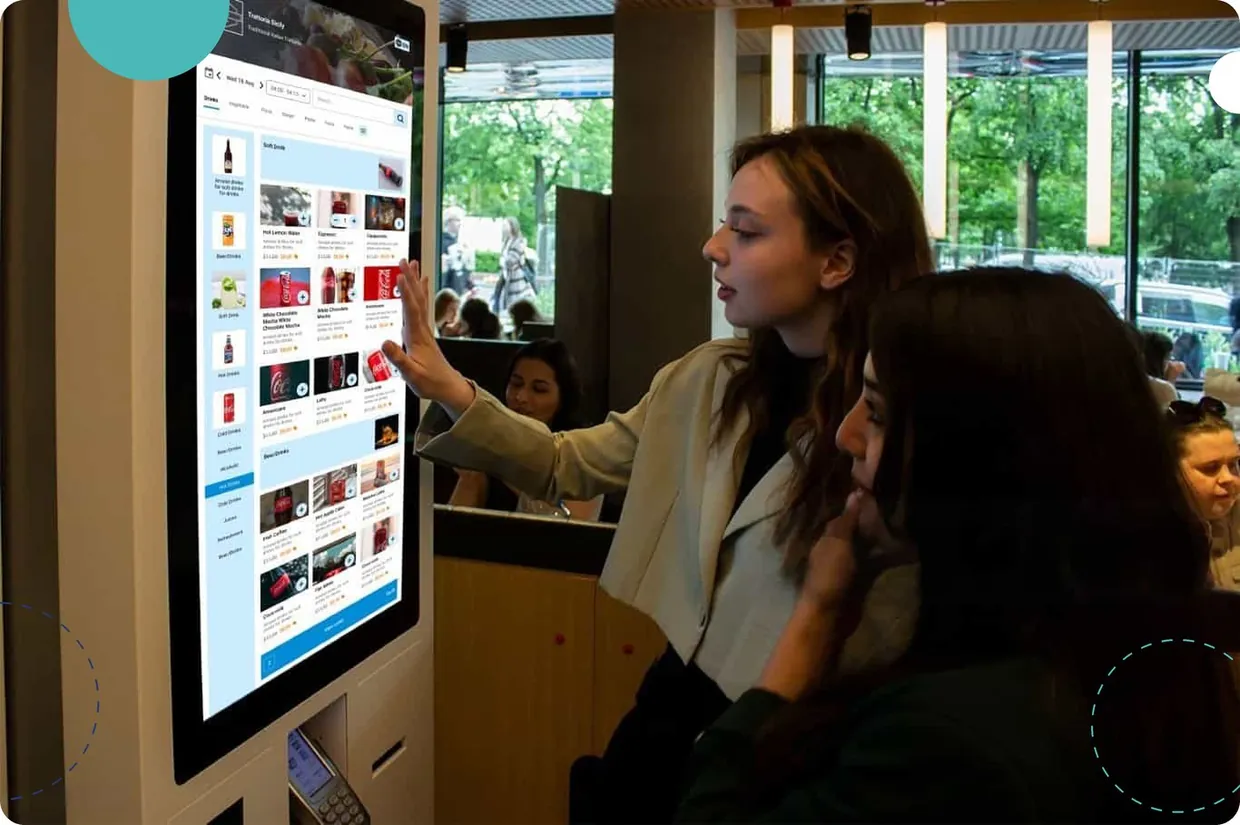
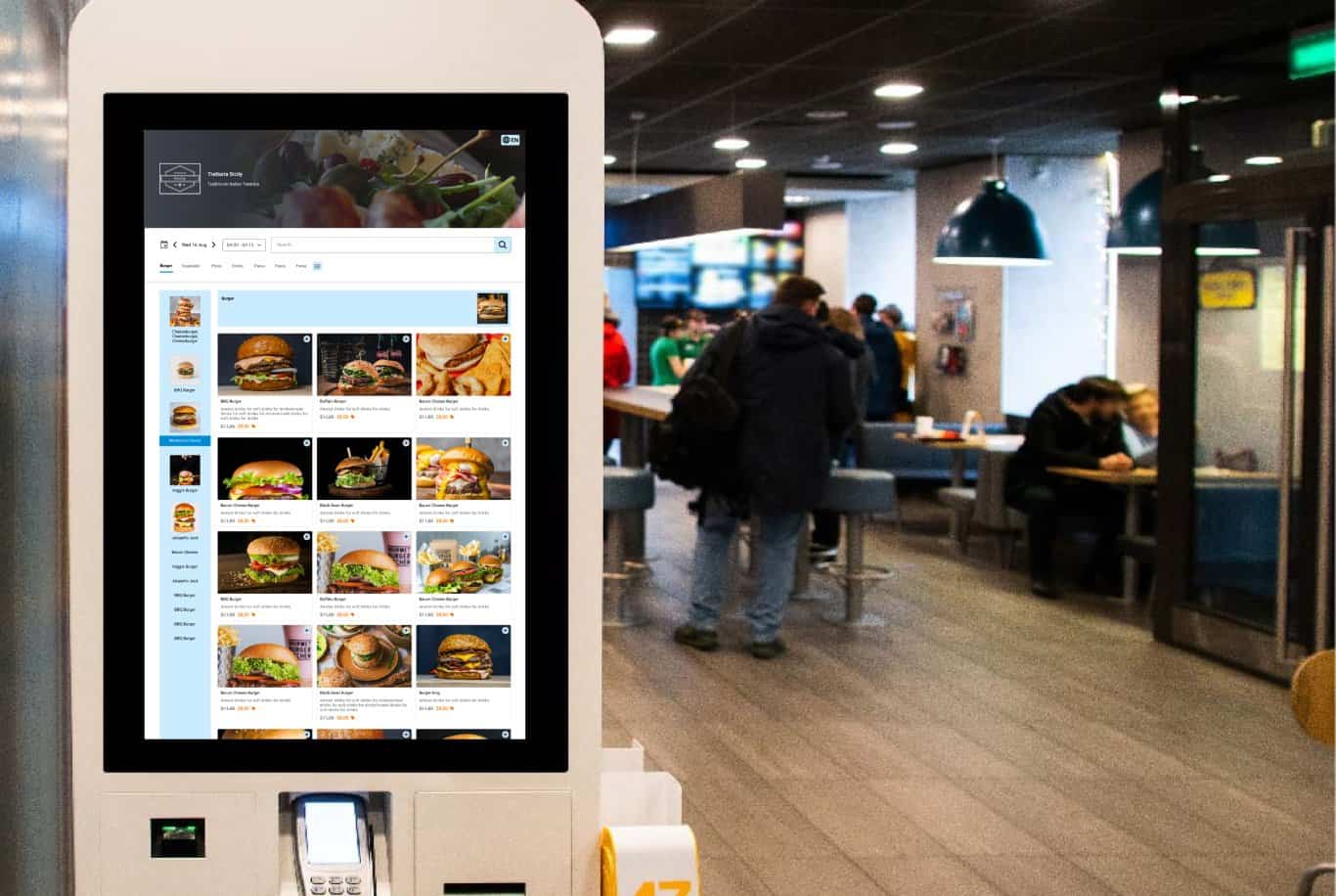
Engage Customers With an Intuitive Kiosk Menu

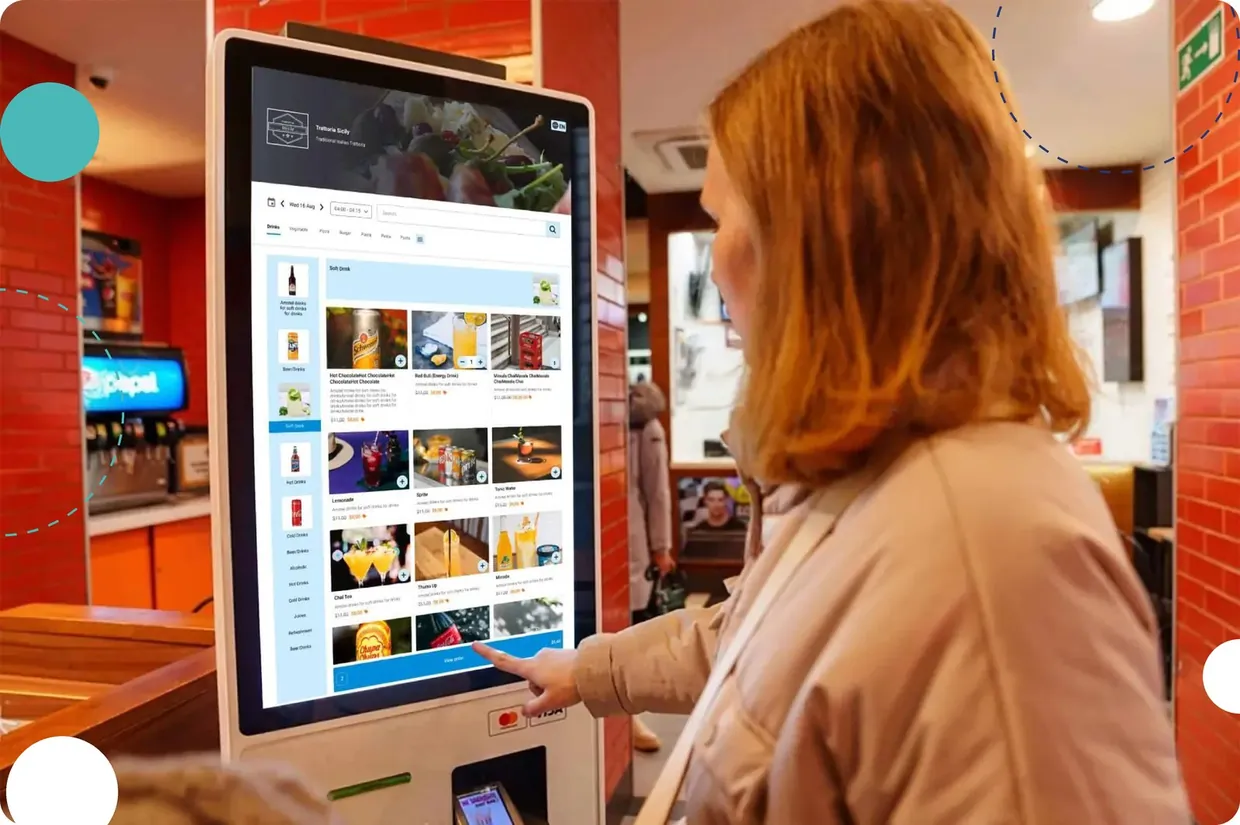
Show your dishes with large, appetising photos on an easy-to-navigate menu. Customers choose options and change ingredients themselves, so orders are right the first time.

Book a Demo

Image

Orders Go Straight to the Kitchen

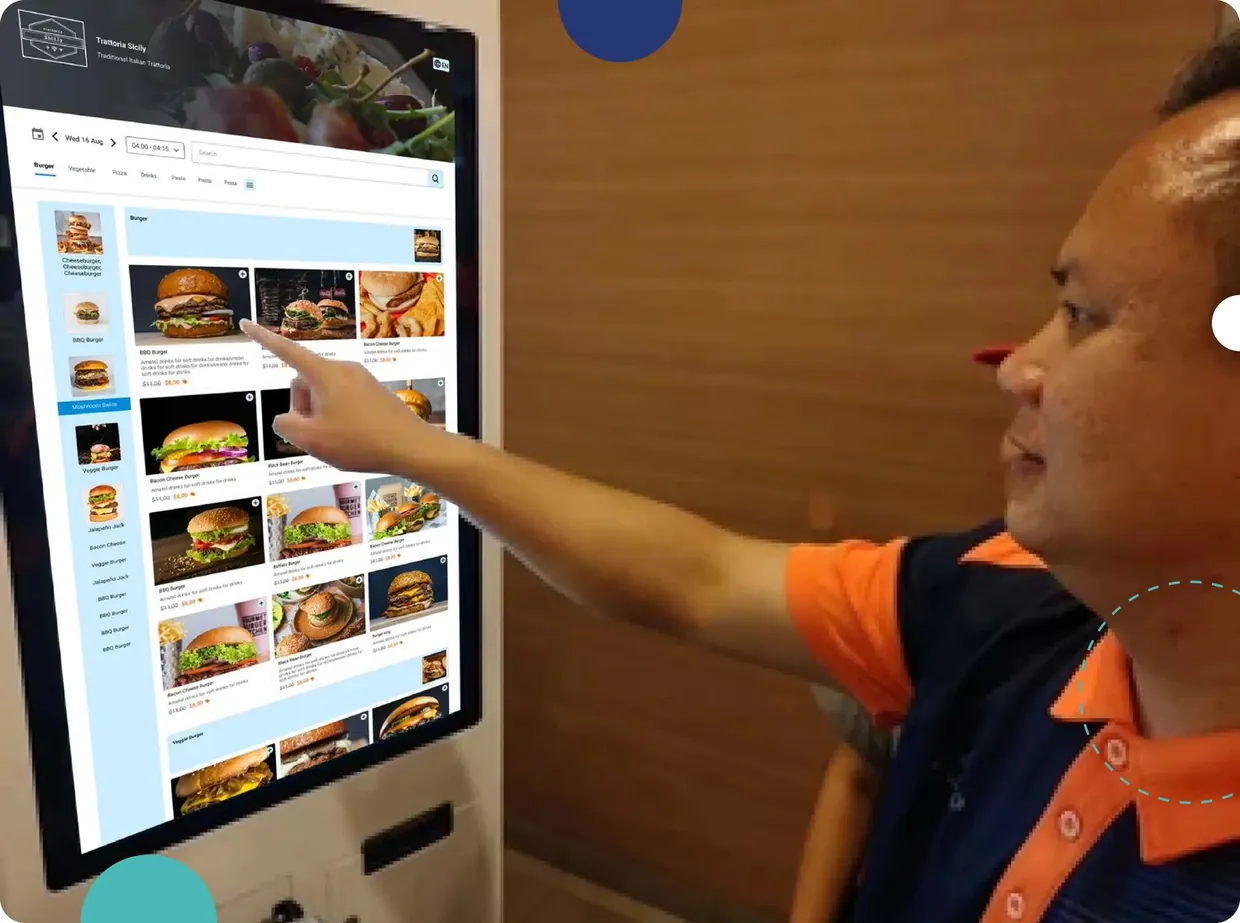
Kiosk orders print in the kitchen automatically or go to your connected POS, with no retyping. Use one sales point per kiosk to see which kiosk took each order.

Book a Demo

Image

Download the GO Kiosk App

Run your self-ordering kiosk on the hardware you choose: an Android kiosk, or an Android or iOS tablet. Download the GO Kiosk app from Google Play or the App Store, and set it up in minutes by entering your store link or scanning your store QR code.

All the features you need for self-ordering

box1

Photo menu
Options and extras
Upsell suggestions
Menu in many languages

box2

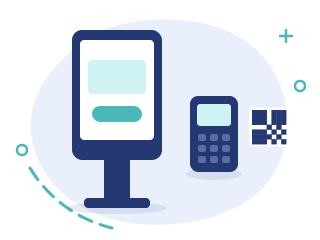
Card terminal payment
Pay on screen
Pay by QR code on own phone
Your own payment provider

box3

Dine-in or takeaway choice
Reset on inactivity
Idle-screen video
One sales point per kiosk

box4

Automatic order printing
POS integrations
Order dashboard
Real-time analytics

For businesses with busy counters

Fast-food chains

Fast-food chains

Takeaway restaurants

Takeaway restaurants

Cafes & coffee shops

Cafes & coffee shops

Food halls & canteens

Food halls & canteens

Trusted by top restaurants in the UK

  • FEAST by Ed Shaerf
  • Buraans by Hem Raturi
  • Veva Vegan
  • Indian Aroma
  • Indian Essence
  • Qissa
  • The Red Lion
  • Masalchi
  • Cinnamon Culture
  • FEAST by Ed Shaerf
  • Buraans by Hem Raturi
  • Veva Vegan
  • Indian Aroma
  • Indian Essence
  • Qissa
  • The Red Lion
  • Masalchi
  • Cinnamon Culture

Trusted by top restaurants around the world

  • Tim’s Thai
  • Veva Vegan
  • Indian Aroma
  • L’N Coffee
  • Qissa
  • Pizzajoy
  • The Red Lion
  • Masalchi
  • Cinnamon Culture
  • Tim’s Thai
  • Veva Vegan
  • Indian Aroma
  • L’N Coffee
  • Qissa
  • Pizzajoy
  • The Red Lion
  • Masalchi
  • Cinnamon Culture

How does it work

Browse and customise

1. Browse and customise

Customers tap through your photo menu, choose items and set their options.

Pay at the kiosk

2. Pay at the kiosk

On the card terminal, on screen, or by scanning a QR code and paying on their own phone.

Collect the order

3. Collect the order

The order goes straight to the kitchen and the customer gets a confirmation.

How much does a self-ordering kiosk cost?

Each kiosk device is one sales channel on your GonnaOrder subscription. No commission on your orders and no setup costs.

For your customers

  • Order and pay without queueing
  • Photos, options and extras
  • Menu in their own language

For your business

  • Runs on Android or iOS devices
  • Card terminals from supported providers
  • Automatic printing and POS integrations

Explore Our Latest Hospitality Articles


FAQ

What does a kiosk cost?

Each kiosk device is one sales channel on your subscription, with no fee per order. See the pricing page.

An Android or iOS device running the GO Kiosk app from Google Play or the App Store. Connect it by entering your store link or scanning your store QR code.

On a card terminal from a supported payment provider, on the kiosk screen, or by scanning a payment QR code and paying on their own phone.

Yes. Create one sales point per kiosk. Each order shows which kiosk took it, and you can filter orders by kiosk.

Yes. The basket clears after a period of inactivity. You can also play a branded video while the kiosk is idle and ask each customer whether they eat in or take away.

Yes. Orders print automatically with the Autoprint app or the GoAdmin app, on an 80mm thermal printer, and can be sent to a connected POS.

Offer a smooth self-ordering experience!

Give your customers an easy and fast way to order and pay at a self-ordering kiosk. Optimize your operation and raise guest satisfaction.

Reduced wait times

Improved service efficiency

Happier guests

Contact us